
What is OCR technology for smarter accounting and more accurate electronic archiving
Despite the continuous FinTech advancement, many companies still struggle with complex accounting processes, the accumulation of paper clutter, lost documents, and the entry of incomprehensible data.
AQ Docs
Nov 12, 2026
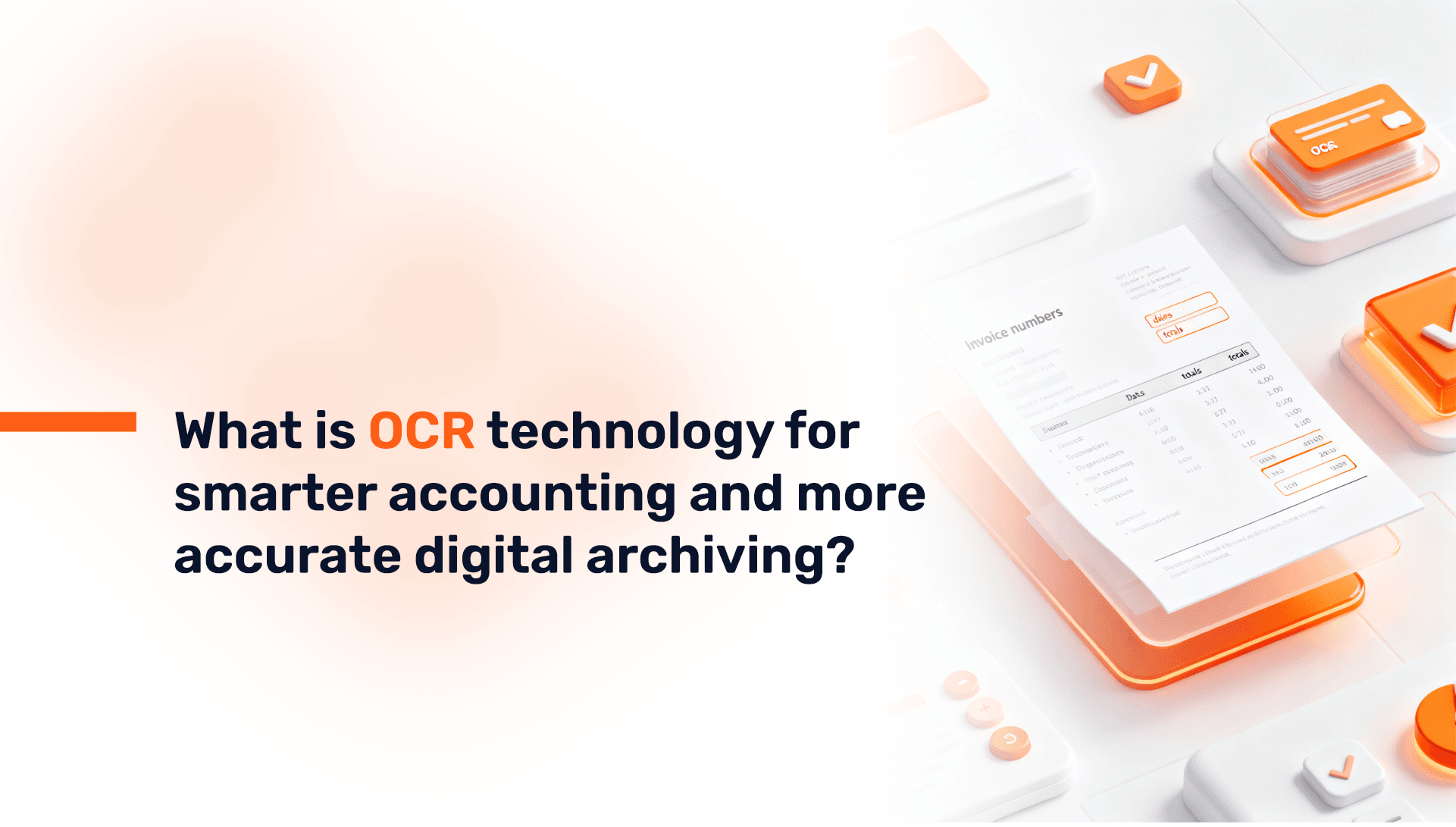
Despite the continuous FinTech advancement, many companies still struggle with complex accounting processes, the accumulation of paper clutter, lost documents, and the entry of incomprehensible data. All these factors place a significant burden on teams and accountants, adding to their existing challenges.
Today’s article discusses Optical Character Recognition (OCR) technology within the AQ Docs System and how it provides an excellent solution for data automation and document archiving. It demonstrates how AQ Docs swiftly extracts information from any invoice, significantly saving time otherwise wasted on manual work, and guiding Financial Managers toward making informed financial decisions.
1. What is Optical Character Recognition (OCR) Technology in the AQ Docs System?
Optical Character Recognition (OCR) technology is defined as the technology that transfers the state of documents—whether they are paper records, PDF files, or images captured by a mobile phone camera—into a state where data is directly extracted from the documents (such as receipts and invoices).
The AQ Docs System supports OCR technology alongside Artificial Intelligence (AI), with the aim of alleviating the burden of manual work on accountants and facilitating easy tracking and monitoring of accountants’ work regardless of their location. Furthermore, thanks to this technology, a substantial amount of time is saved, and work is performed without errors or repetitive document entry.
2. How OCR Technology Works in the AQ Docs System:
Optical Character Recognition (OCR) technology functions by analyzing data, such as characters and numbers, through specialized software that incorporates Artificial Intelligence (AI).
This technology can determine the source data of paper documents—whether they were handwritten or printed.
The working mechanism proceeds through the following steps:
- Document Scanning:
Scanning documents (receipts and invoices) or bank statements, among others, using a mobile phone camera or a dedicated scanner.
- Image Analysis:
In this stage, the technology analyzes and enhances the image by performing adjustments such as removing blurriness from the text and correcting the color to an optimal level.
- Optical Character Recognition:
OCR technology identifies the characters and converts them into readable text using algorithms and language patterns.
- Data Extraction:
Essential information is pulled, such as the invoice number, invoice date, and all necessary data, to compile it in a format that meets the company's system requirements.
- Integration with Accounting Software:
This technology enables the automatic transfer of the extracted data to various accounting programs, such as Wafeq and ERP systems.
Read about: ERP Integration: ERP Accounting Software Integration for SMEs
3. Benefits of Using OCR Technology for AQ Docs Teams:
OCR technology provides numerous benefits that reflect on data accuracy, time-saving, and error-free operation. These include:
- Automated Data Extraction:
Optical Character Recognition technology allows for the automated and accurate extraction of data from the main tables within documents, which saves time, reduces errors, and enables the accountant to focus on other core tasks.
- Enhanced Traceability and Compliance:
Thanks to this technology, data can be extracted and documents can be retrieved easily.
This significantly improves searchability and credibility, ensuring compliance with tax standards during audits.
- Streamlined Processing:
When AQ Docs (which supports OCR technology) is integrated with accounting software, you will be able to process documents in minimal time and quickly perform bank reconciliation calculations.
4. Where is OCR Technology Employed in the AQ Docs System (The Complement to Accounting Software)?
The function of OCR technology extends beyond merely reading and processing texts; it is considered the digital nerve center of accounting management.
In addition to providing document automation and archiving, it offers broad applications across finance and accounting, including:
- Invoice and Receipt Automation:
Extracting specific data from each invoice, such as the invoice number, date, supplier name, amounts paid, tax number, and contracting parties, and then automatically transferring this data to the accounting software integrated with AQ Docs.
- Receipt Processing:
Employees or company owners can upload images of invoices and receipts from their mobile phones. The OCR then recognizes the data, making expense report preparation simple.
- Bank Statement Processing:
OCR technology can optically read bank statements and perform the reconciliation process accurately and in a short time.
- Supporting Procurement Management:
OCR provides easy data extraction from purchase orders, price lists, and delivery notes. This results in precise, automated work, eliminating manual effort.
- Compliance with ZATCA (Zakat, Tax, and Customs Authority):
For Saudi companies, OCR simplifies the extraction of essential invoice fields required for compliance with the ZATCA authority, such as the Unique Identifier, Quick Response (QR) code, VAT (Value Added Tax) number, and other Zakat-related information.
Read also: What is the AQ Docs system – how does it help you with accounting bookkeeping automation?
5. How Does the AQ Docs System Enable Accounting Software to Utilize OCR Technology?
AQ Docs is an extremely intelligent system that supports OCR technology and integrates Artificial Intelligence (AI) to ensure a more accurate and credible accounting process, particularly for Saudi and Gulf companies. Here is how the AQ Docs System enables accounting software to utilize OCR technology:
- Direct Data Extraction from PDFs:
The accountant or company owner can upload invoices in PDF format for the system to extract the main data from the essential fields in each document, which is then directly linked to the accounting software.
- Mobile Scanning and Archiving:
An employee or accountant can capture an image of the invoice using a mobile phone. AQ Docs then immediately extracts, archives, and classifies the data.
- Enhanced Accessibility for Audits:
AQ Docs provides easy access, retrieval, and tracking of documents and invoices for conducting efficient auditing processes.
- Accelerated Decision-Making:
After the data extraction process, AQ Docs performs necessary updates, enabling Financial Managers to make faster decisions.
6. Frequently Asked Questions (FAQs) on OCR Technology for Smart Accounting and Electronic Archiving with the AQ Docs System:
- Can manual data entry be completely eliminated and replaced solely by OCR technology?
Manual work cannot be eliminated 100%; a quick review is necessary to ensure optimal accuracy. However, OCR technology saves exponentially more time than manual work.
- What is the main role of OCR technology in the AQ Docs application?
To simplify the accurate extraction of data from documents (invoices and receipts) and bank statements for the purpose of reconciliation.
- How long does Optical Character Recognition (OCR) take per document?
The OCR process takes only a few seconds.
- Does OCR technology provide accurate data when reading handwritten financial invoices?
Yes, it provides an accuracy that exceeds 99.5%. However, handwritten invoices and receipts should still be quickly verified to confirm some manually written figures.
- Can I use OCR technology for accounting from any mobile device?
Yes, you can capture documents using a mobile phone camera or any other tablet device.
- Does OCR technology contribute to the accounting data auditing process?
Yes, it contributes by classifying, automating, and archiving data, which simplifies retrieval and verification of data accuracy.
7. Conclusion:
Thanks to the OCR technology that AQ Docs supports when integrated with accounting software, you can easily convert text from scattered, lost paper piles into smart digital data ready for use at any time!
Introduce your accounting team to the Dox System, which supports OCR technology and Artificial Intelligence.
With AQ Docs, you can automate documents, classify them, and archive data easily.