
Integration with AQ Docs
You can now automate and synchronize your data by connecting your various channels and accounting software with AQ Docs. This grants you a precise and up-to-the-minute (real-time) view of your financial figures and data whenever you require it.
Operations within AQ Docs are executed with speed and full integration, as it extracts data from your financial documents with high accuracy.
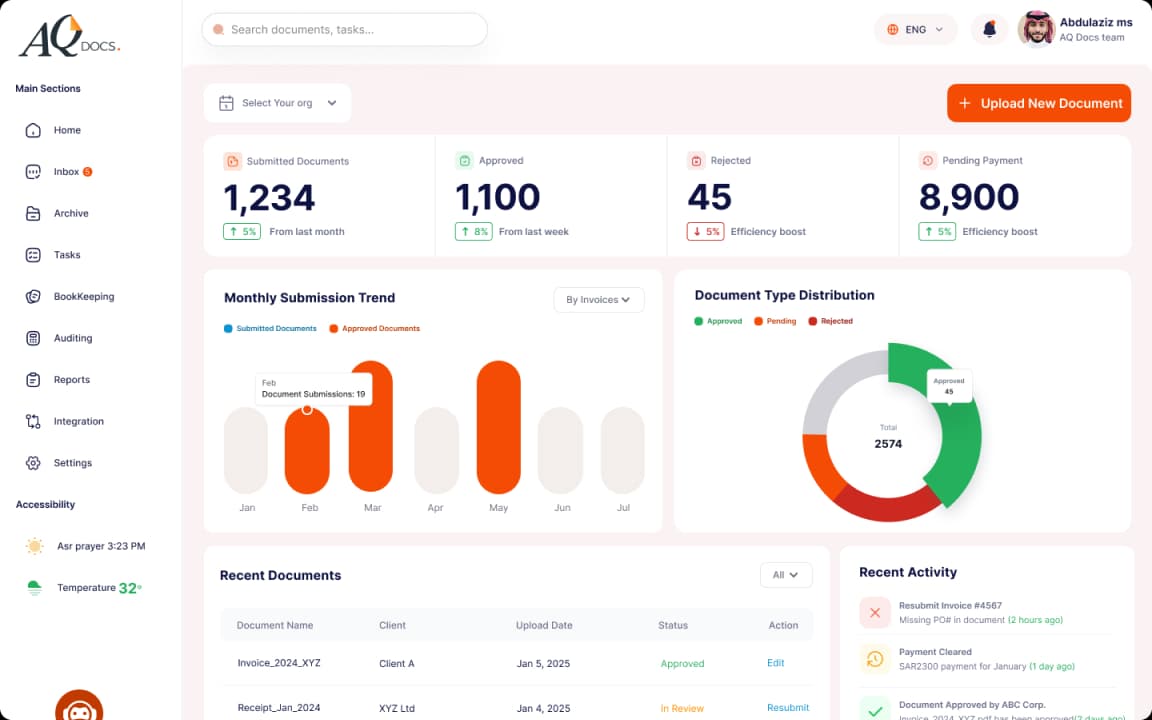
Integrate any of these tools with AQ Docs.
AQ Docs system significantly saves many hours monthly and eliminates the need for manual work. Furthermore, it transforms unstructured data into organized documents and invoices, thereby streamlining your workflow and enabling data-driven decision-making without resorting to traditional methods such as: creating Excel spreadsheets, manually writing invoices, and other similar tasks.


Accounting Software Integration
Automatically extract and obtain data to track your sales, expenses, revenues, and taxes, along with performing bank reconciliation for your documents and invoices.
AQ Docs is compatible with various accounting systems, including: Qoyod, ERP (Odoo, Zoho), and Wafeq.


Productivity tools
Such as Microsoft Teams, Zoom, and Google Calendar.

Payment Gateways, Expense Cards, and Banks
AQ Docs enables you to connect with payment cards, payment processors, and banks through Open Banking protocols.

E-Commerce Platforms
You can link AQ Docs with your e-commerce platforms to automatically retrieve daily orders and track products sold.

Point of Sale (POS) Systems
AQ Docs supports integration with Saudi banks and various Open Banking-enabled payment methods. This allows users to track bank transactions, reconcile them with accounting entries, and efficiently manage petty cash and expenses.
Benefits of Integrating AQ Docs with Your Accounting Software
Document and Invoice Reconciliation in Seconds
You will instantly know your financial position whenever you wish, enabling you to accurately determine sales volume, taxes, and perform invoice reconciliation against bank balances.
Accurate, Up-to-Date Documents and Invoices (Error-Free)
Precise data assists you in calculating taxes without errors and ensures full compliance with the standards mandated by the Zakat, Tax, and Customs Authority (ZATCA).
Detailed Financial Reports on Your Fiscal Status
Through AQ Docs, you can accurately track the workflow of documents and monitor accountants, which directly results in your accounts receiving accurate and clear financial statements.
Seamless Integration with Your Accounting Software
At AQ Docs, we take care of transferring all your necessary data directly to your accounting software, eliminating the need for manual entry, and delivering it precisely when you need it.
How to Integrate Accounting Software with AQ Docs
Connect to Your Accounting Software
Your accounting software must be API-enabled with the AQ Docs system. You then initiate the connection by navigating to the Applications Interface to link AQ Docs with your specific program.
Automatic Connection and Data Synchronization
Once the connection is established with your accounting software, the system immediately synchronizes and automatically transfers the data into the AQ Docs system.
Data Processing and Entry in AQ Docs
You can now eliminate manual entry and automate the processing of invoices and documents, sending them directly via AQ Docs through the automatic link with your accounting software.
Have a specific integration request?
Our developers can help you maximize your business potential by integrating AQ Docs with your specific systems and services.
Frequently Asked Questions (FAQs)
How does AQ Docs work with my accounting software?
What are the benefits of data automation provided by AQ Docs after integration with the accounting software?
Who can use the AQ Docs system?
What is the cost of integrating the AQ Docs system with my accounting software?
Does AQ Docs maintain data security?